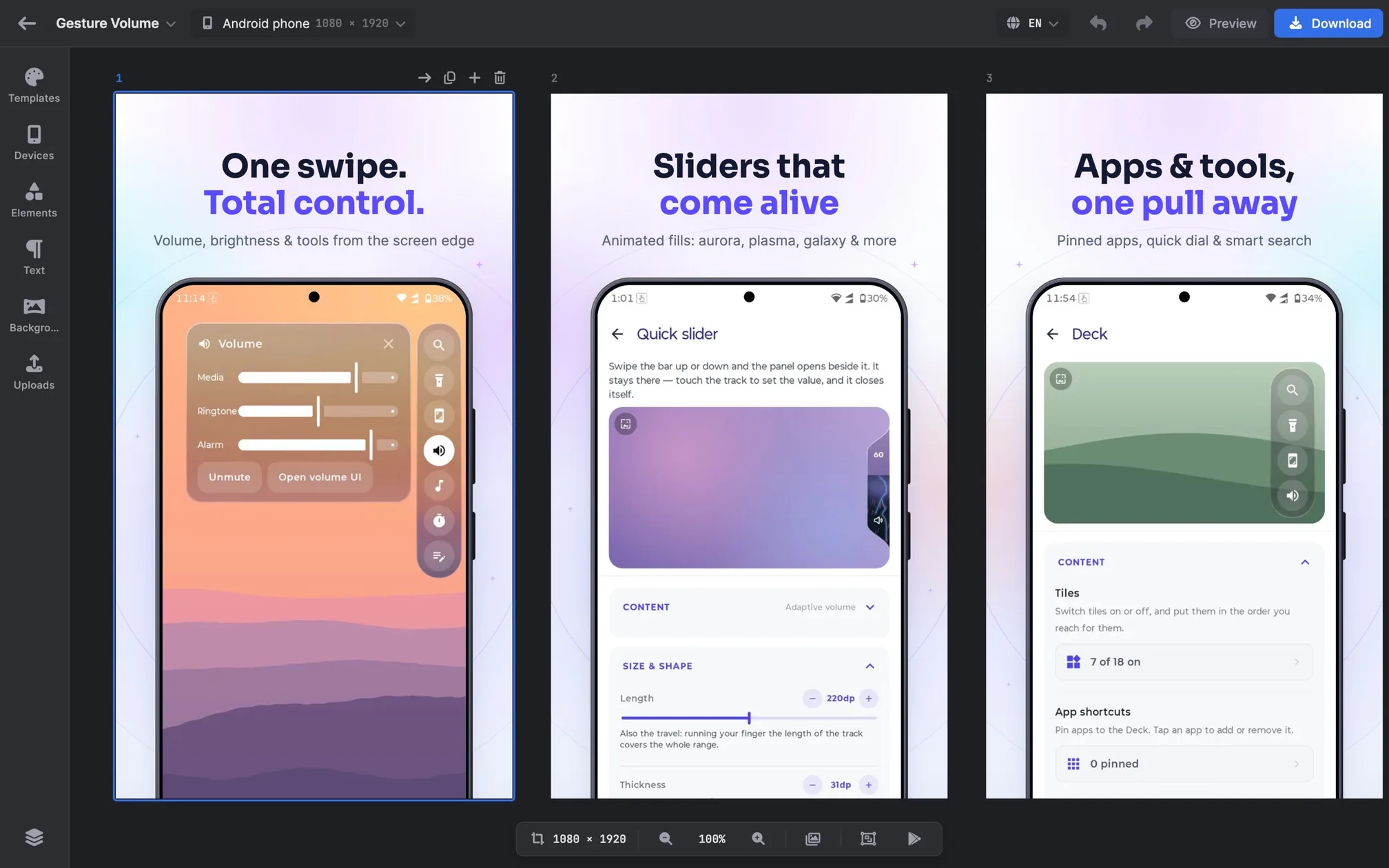
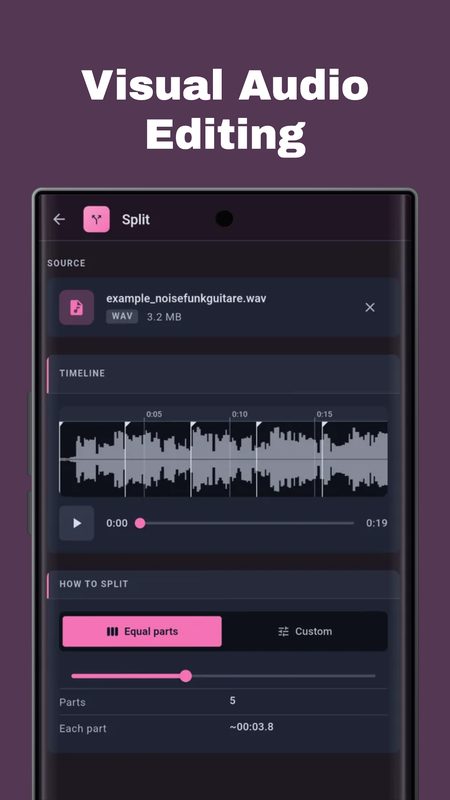
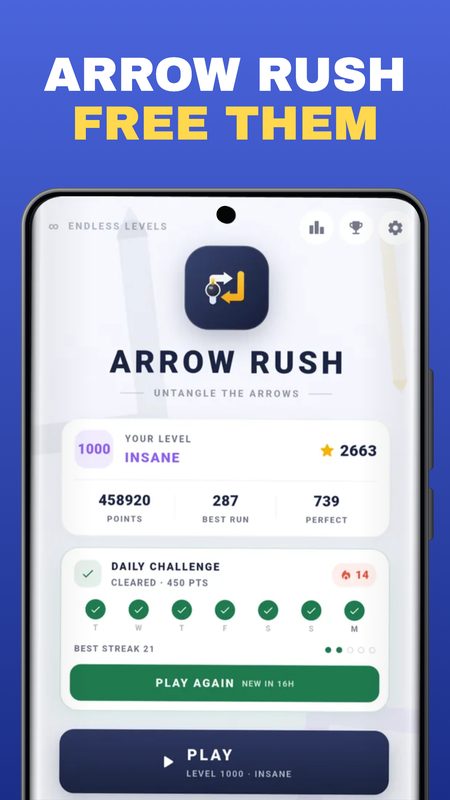
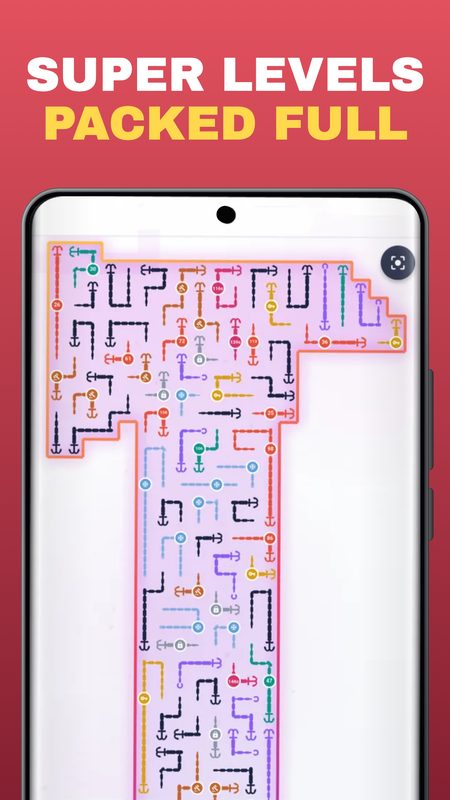
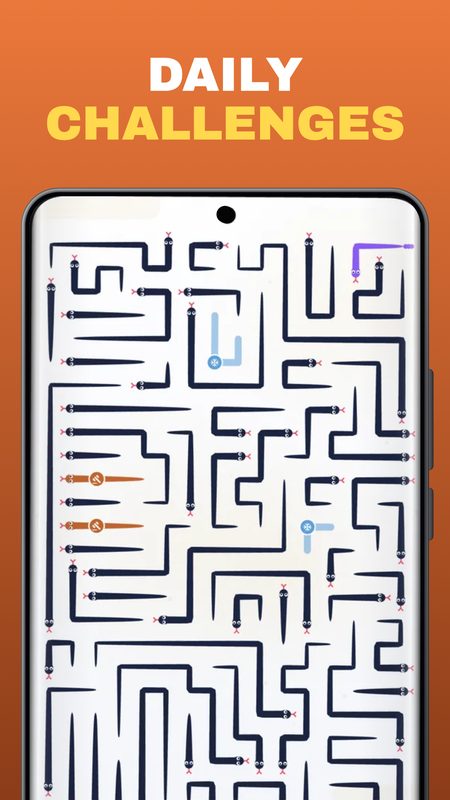
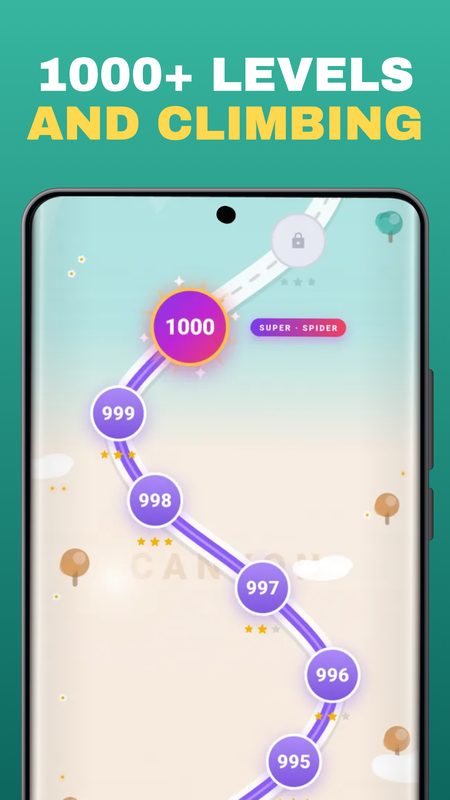
Design every App Store and Google Play screenshot on one canvas, with real device frames you can turn in 3D and ready-made templates. Then export every size the stores ask for, in up to 40 languages, in one click. It all runs on your device.
No sign-up, no ads, and your images never leave your device.
real phones
31real phonesin 108 finishes
store targets
30store targetsApp Store, Google Play and more
store languages
40store languagesone design, every locale
icons
1,854iconsplus 134 shapes and badges
Features
Everything a store listing needs, on one canvas
Every screen of your listing sits side by side, so you design the set rather than one picture at a time.
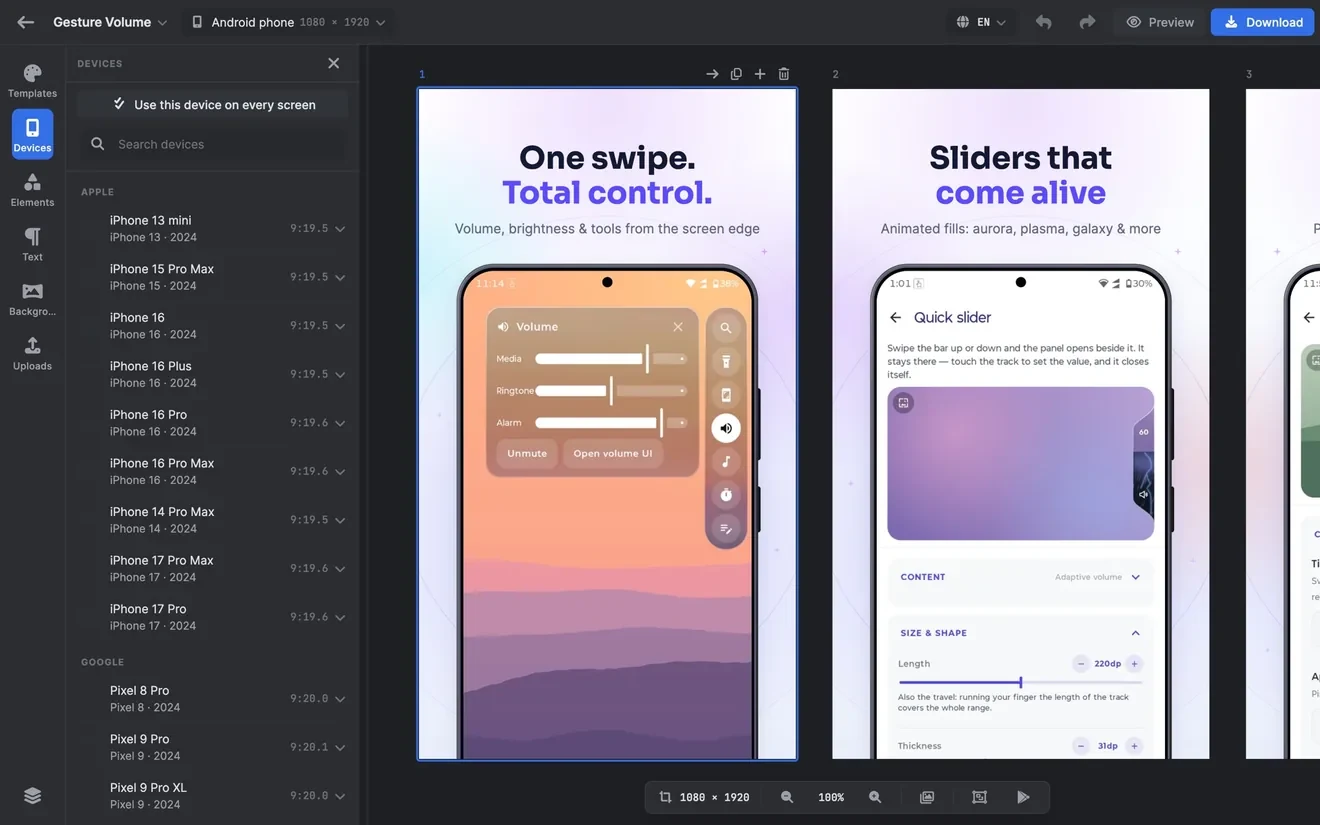
Real devices, not grey rectangles
31 current phones from Apple, Samsung, Google and 7 more makers, each in its real colours, plus the iPhone Duo folded and open, iPad, laptop, desktop and browser frames. Turn any phone or tablet in 3D and it shows its metal sides and real buttons, or film it turning as a looping video.
108 colour finishes to match your brand
Tilt any device in 3D, or put two on one screen
One click puts the same device on every screen
Panoramas that run across screens
Turn on the continuous canvas and backgrounds, shapes and devices flow across the join between screenshots, so a listing reads as one long picture as shoppers swipe.
One gradient stretched across the whole set
A device can straddle two screens
Each screen still exports on its own
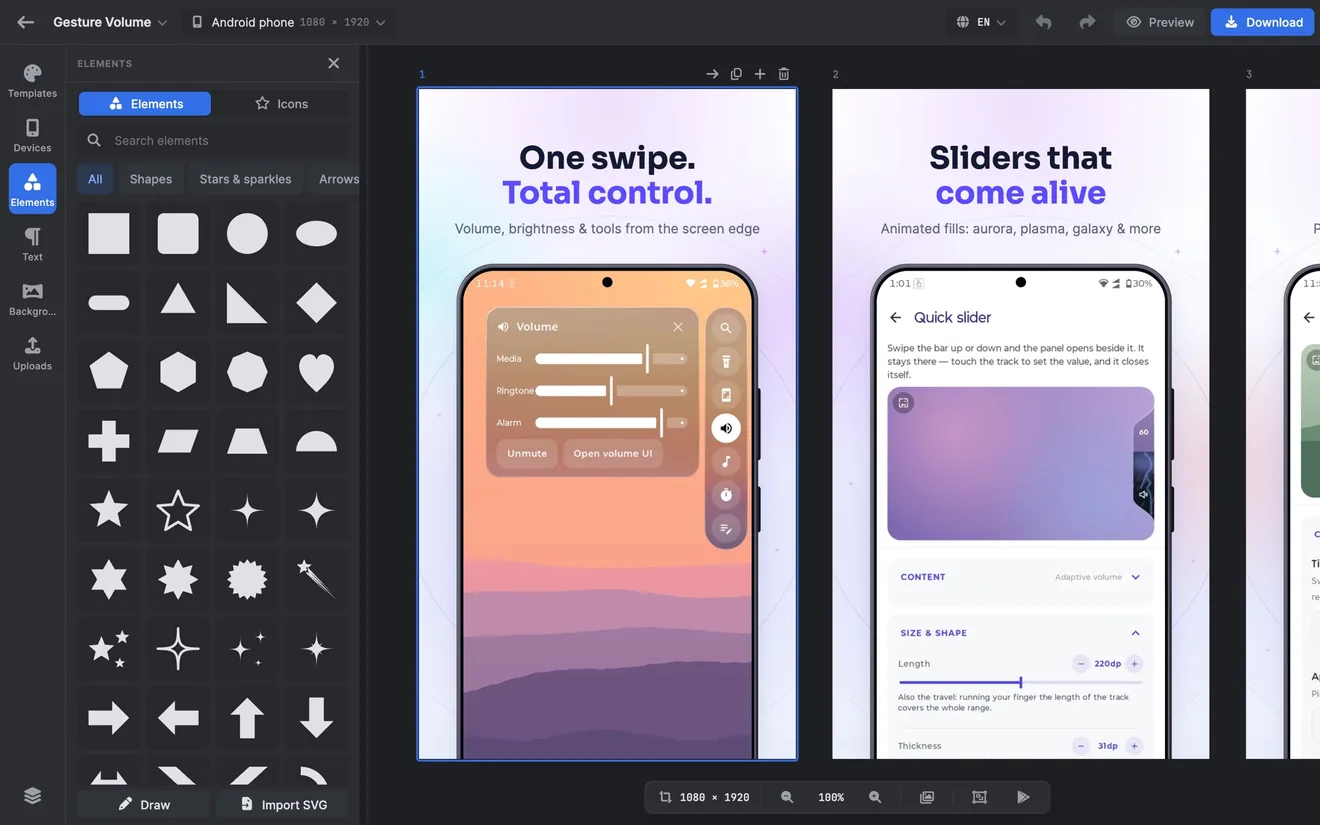
Badges, shapes and icons, ready to drop in
134 elements in 12 groups (badges, awards, laurels, callouts, arrows, sparkles, blobs, waves and more) and 1,854 open-source Lucide icons. Recolour anything, draw your own, or import an SVG.
Search the whole library
Snap guides, arrow-key nudges, copy and paste
Lock layers you don't want to move
One design, 40 languages
Add the store languages you sell in and translate every headline in one tap with the translator built into your Mac or into Chrome, which sends your words nowhere, or type your own. Then fine-tune any word. Layout, colours and devices are shared, so a design change lands in every language at once.
Different screenshots per language when the app's UI is translated
Switch language from the top bar
Export one language or all of them as a ZIP
Headlines that pop
Two-tone captions, a colour or size for any word, and subtitles. Pick from Google Fonts or upload your own TTF or OTF.
Backgrounds
Solid colours, multi-stop linear and radial gradients, patterns, or your own image behind the devices.
Every store in one project
Keep the iPhone, iPad, Android and Mac sets side by side, and copy screens from one to another instead of starting again.
Export in one go
PNG or JPG at ½× to 3×, or an MP4 of the device turning. One screen, one store, every language or everything as a ZIP, or copy a screen straight to the clipboard.
Store listing text, too
Write each store's name, subtitle, keywords and descriptions inside its limits, with live counters and a warning for words reviewers tend to reject. Preview the listing with your screenshots, then copy it all or export it for fastlane.
Fast to work in
Undo for every step, snap guides, arrow-key nudges, copy and paste between screens, and a right-click menu. Press ? for every shortcut.
AI
AI that stays on your device
MockMyApp uses the AI your Mac or browser already has. No account, nothing to pay, and nothing you make is sent anywhere.
On a Mac
Apple Intelligence, Apple Translate and Vision, where your Mac has them.
Caption ideas for each screen
One-tap translation into your store languages
Reads the words on your screenshots to help write a headline
First drafts of your store listing text
In your browser
The AI built into your browser, such as Chrome's on a computer.
Caption ideas for each screen
One-tap translation into your store languages
First drafts of your store listing text
On Windows, Linux and browsers without a model, built-in suggestions stand in for captions and listing text, and you type translations yourself.
Each template is a complete store listing: a different design for every screen. Apply one and your own words and screenshots stay where they are.
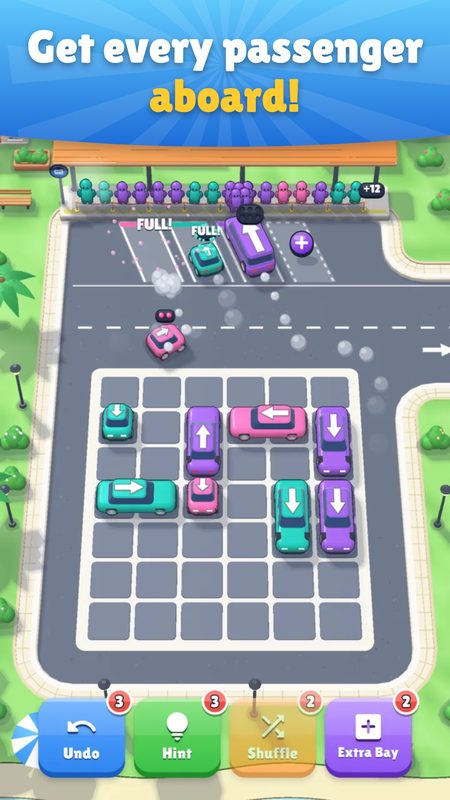
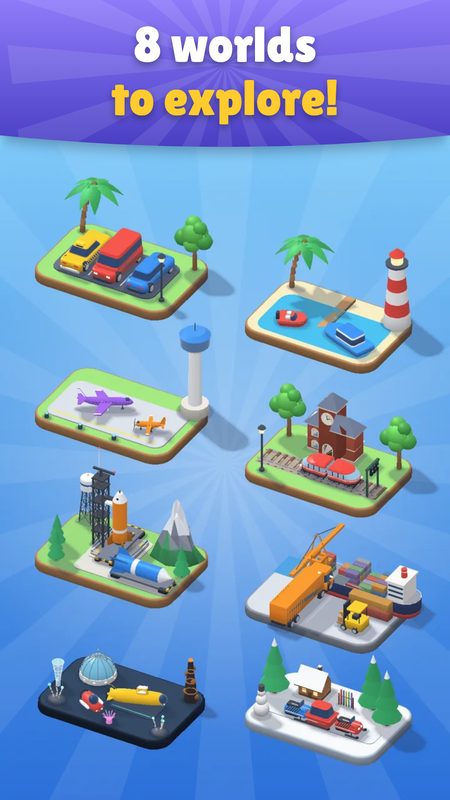
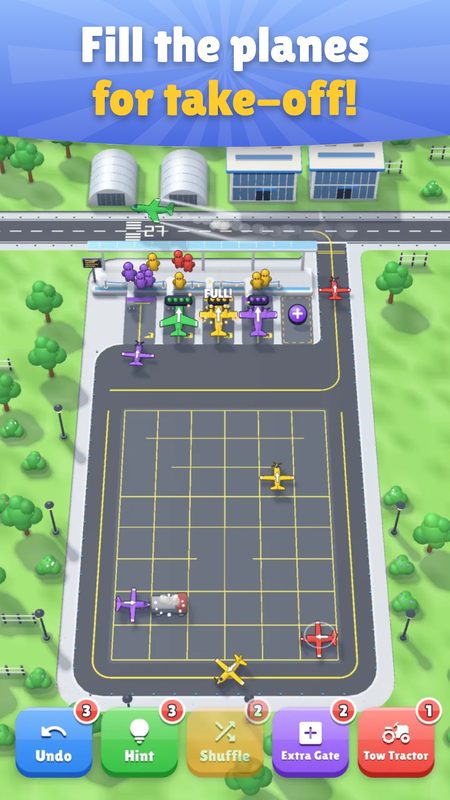
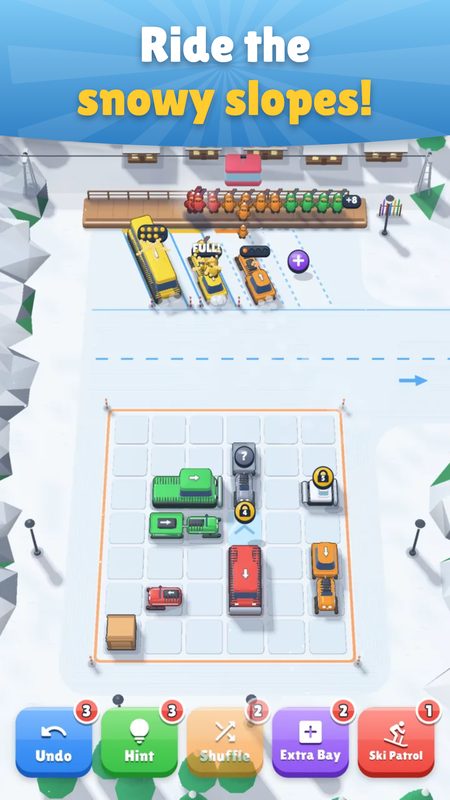
Cars to RocketsGames
Game art edge to edge under a curved, sunlit band
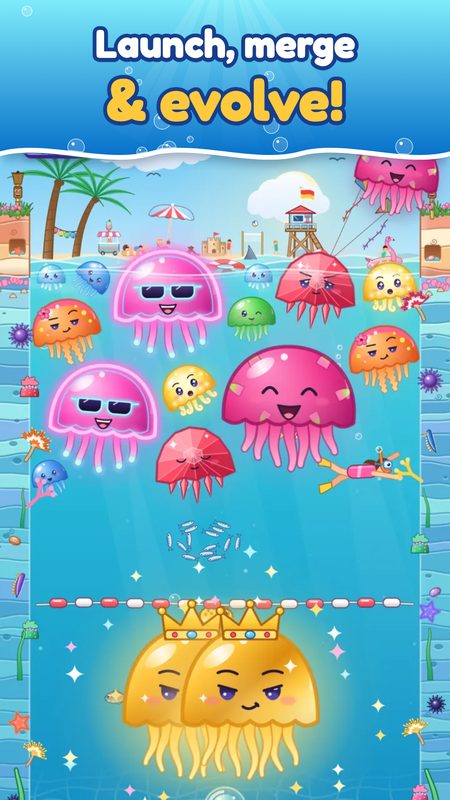
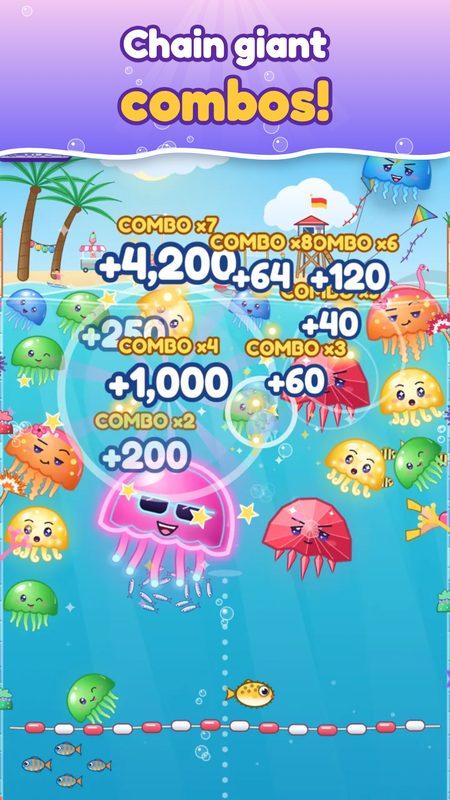
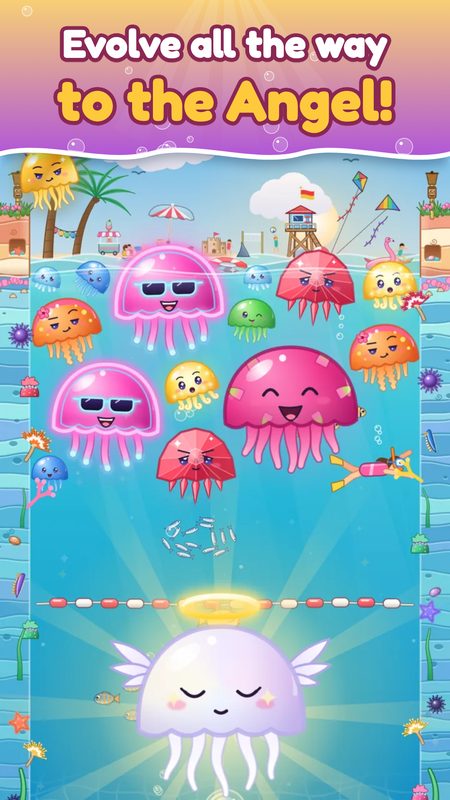
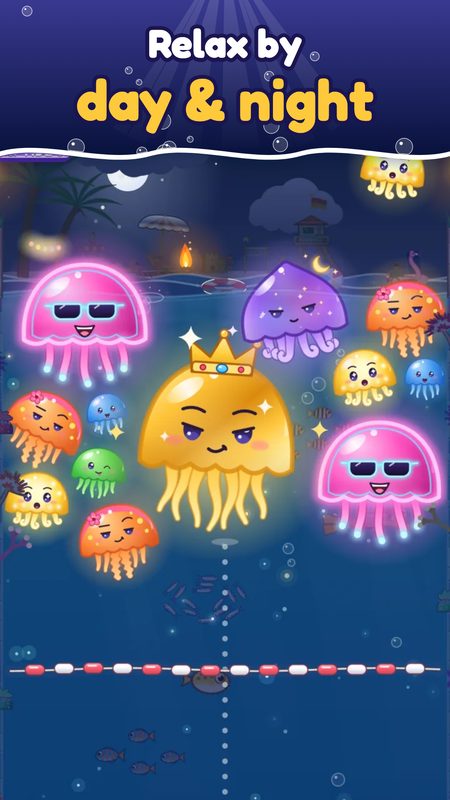
Jelly FloatGames
A wavy band with rays and bubbles, outlined headlines
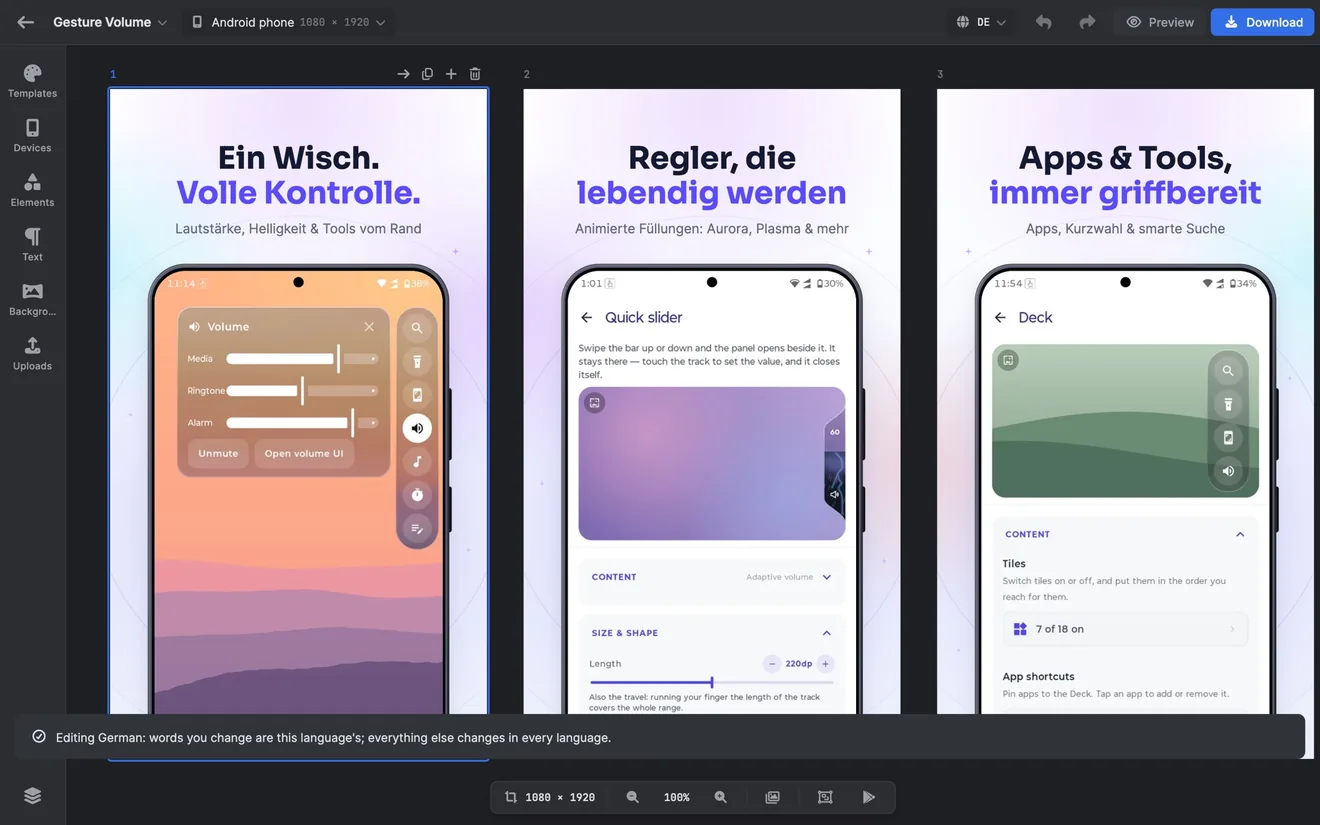
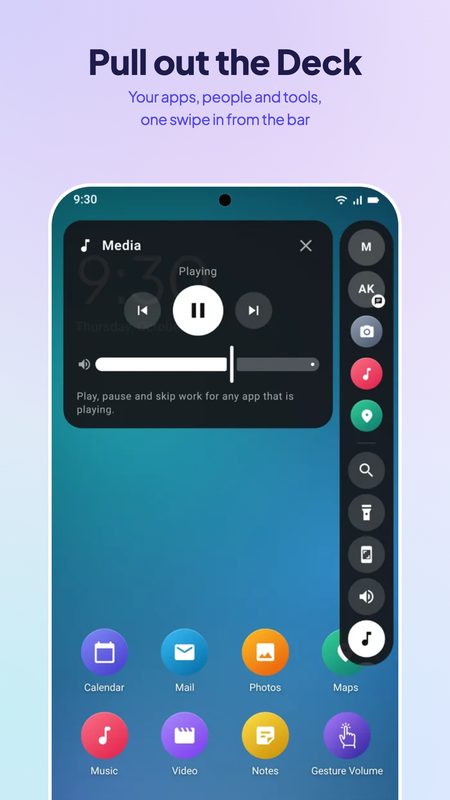
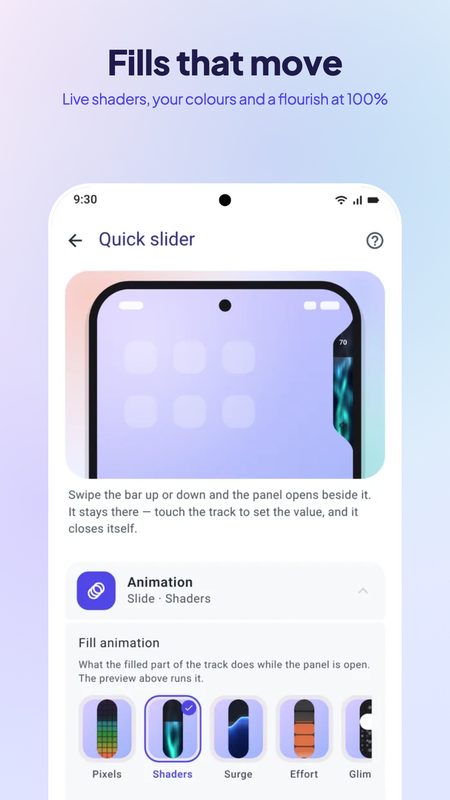
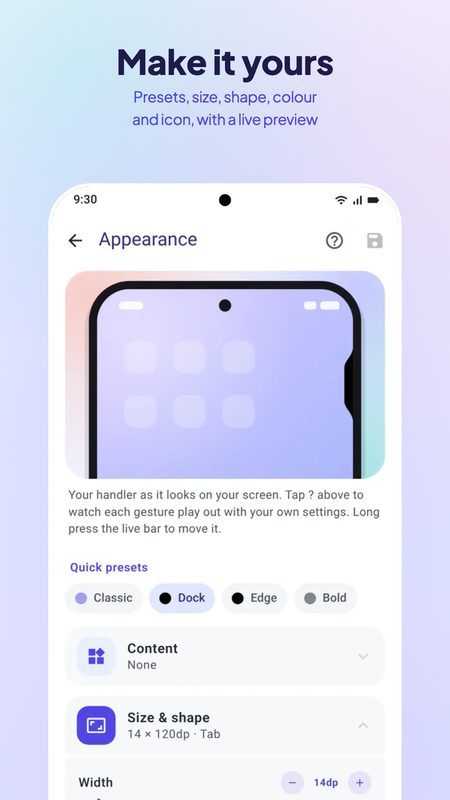
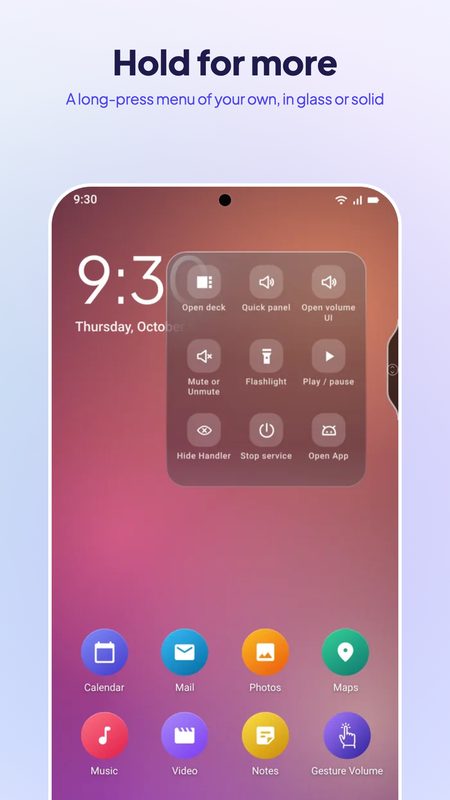
Gesture VolumeTools
Flat white phones on soft lavender glows
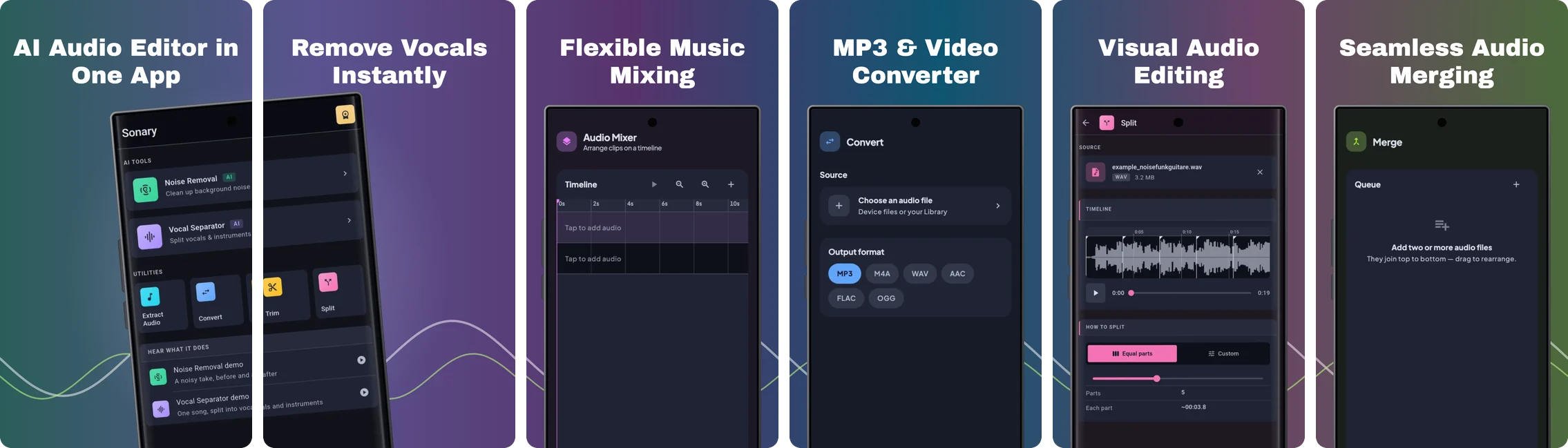
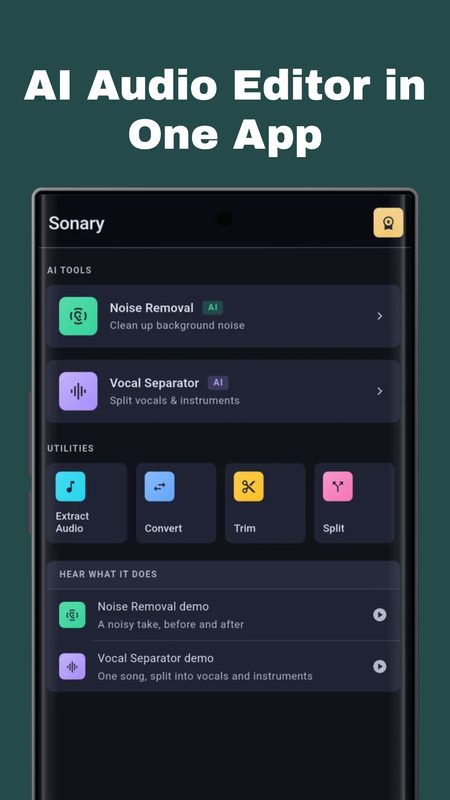
SonaryMusic
Jewel-tone solids, chunky white headlines
Arrow RushGames
Vivid gradients, white-and-yellow block caps
How it works
From raw screenshots to a finished listing
1
Choose your stores
App Store iPhone, Google Play phone, iPad, or any of the 30 targets. One project holds them all.
2
Design the set
Start from a template, drop your screenshots into the devices and write your headlines. Every screen stays in view.
3
Export everything
Download each store's screenshots at the right size, or every store and every language in one ZIP.
Store sizes
30 targets, every size built in
Pick a store and a screen size and the canvas is set to the exact pixels that store accepts, including landscape sizes, both iPhone Duo displays, the App Store's header artwork and the Google Play feature graphic. Link previews and launch images are there too.
MockMyApp costs nothing, and its source code is public, so anyone can check what it does. It runs on your own computer, and nothing you make passes through a server.
No sign-up
There are no accounts. Open MockMyApp and start designing, with nothing to fill in and nothing to pay.
Works offline
The desktop app designs and exports with no connection, and the web editor uses the internet only to load its own files. A typeface that isn't built in downloads once, the first time you pick it.
Your images stay on your device
Screenshots are processed on your device and never uploaded by MockMyApp. Projects are saved on your computer, or in your browser's own storage on the web.
No ads
No ads, and no analytics or tracking code of ours, in the app or on this site. On Android, Google's ML Kit sends Google its own diagnostics.
On your phone
Design the whole listing on your phone
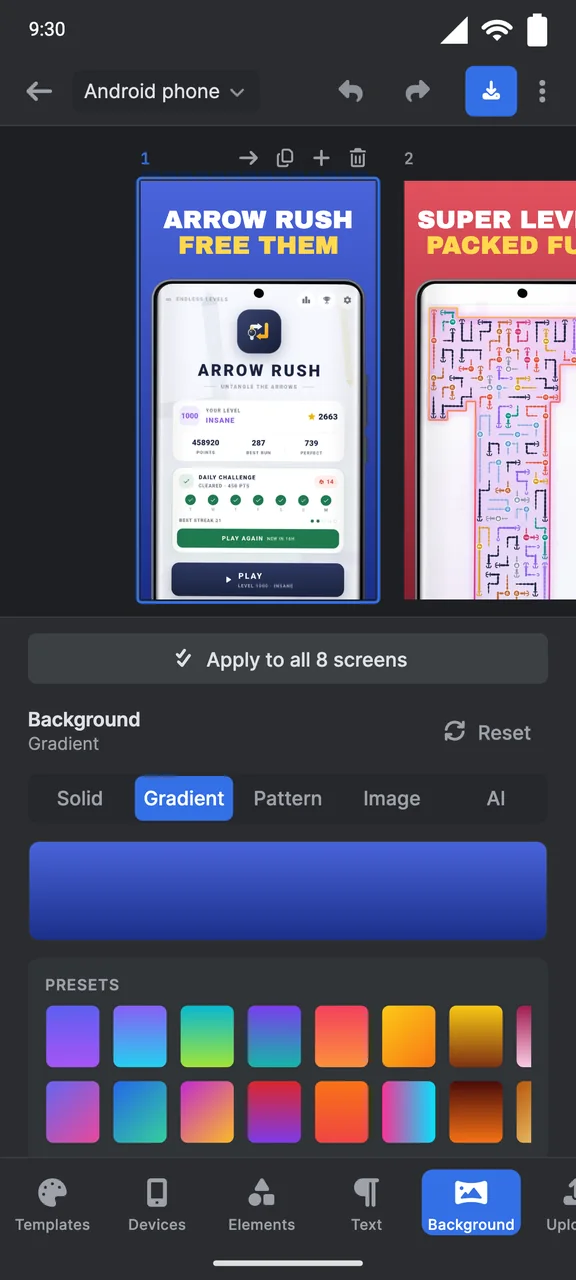
The Android app is the same free editor, laid out for a phone: the tools sit along the bottom, where your thumb is, and your projects stay on the phone.
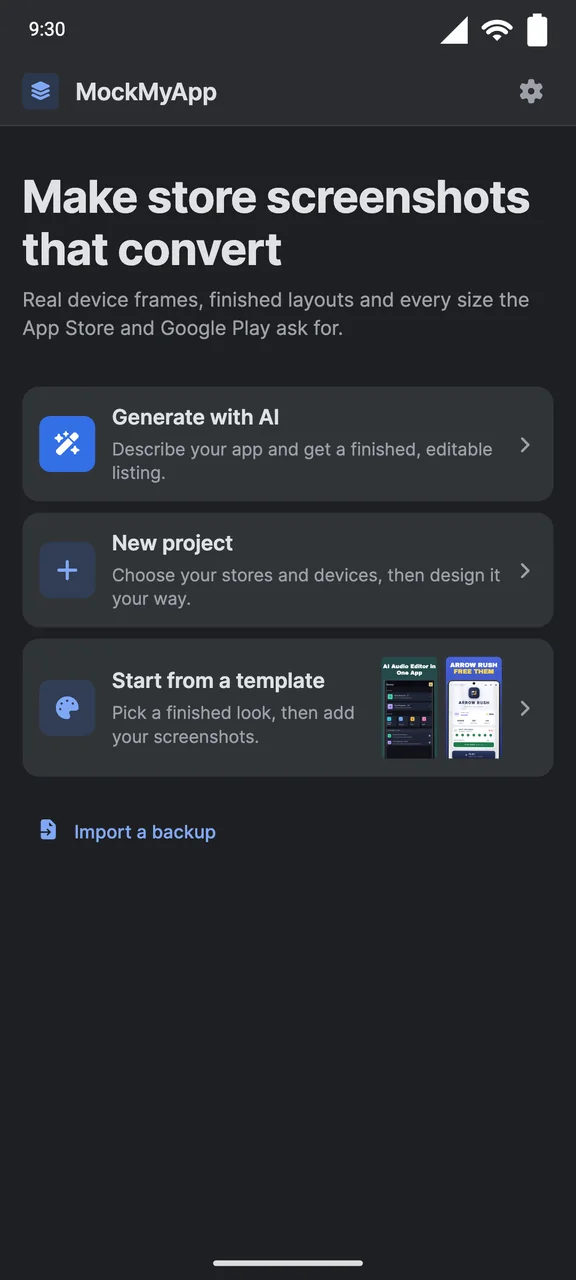
Three ways inDescribe your app, start blank, or pick a template.
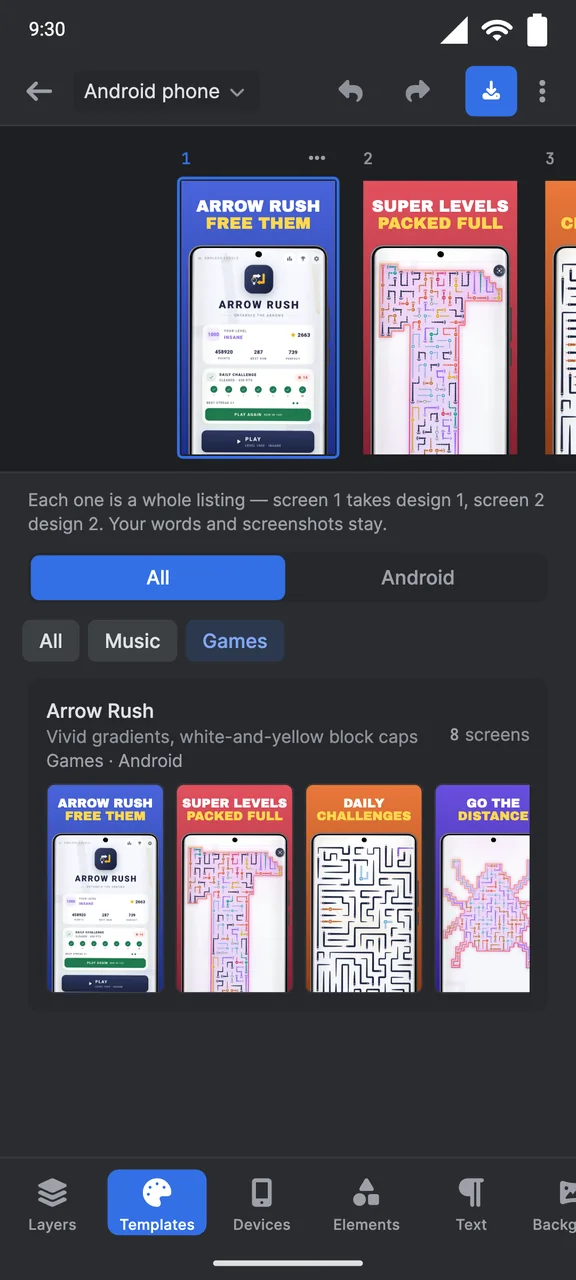
TemplatesA different design for every screen, and your words stay.
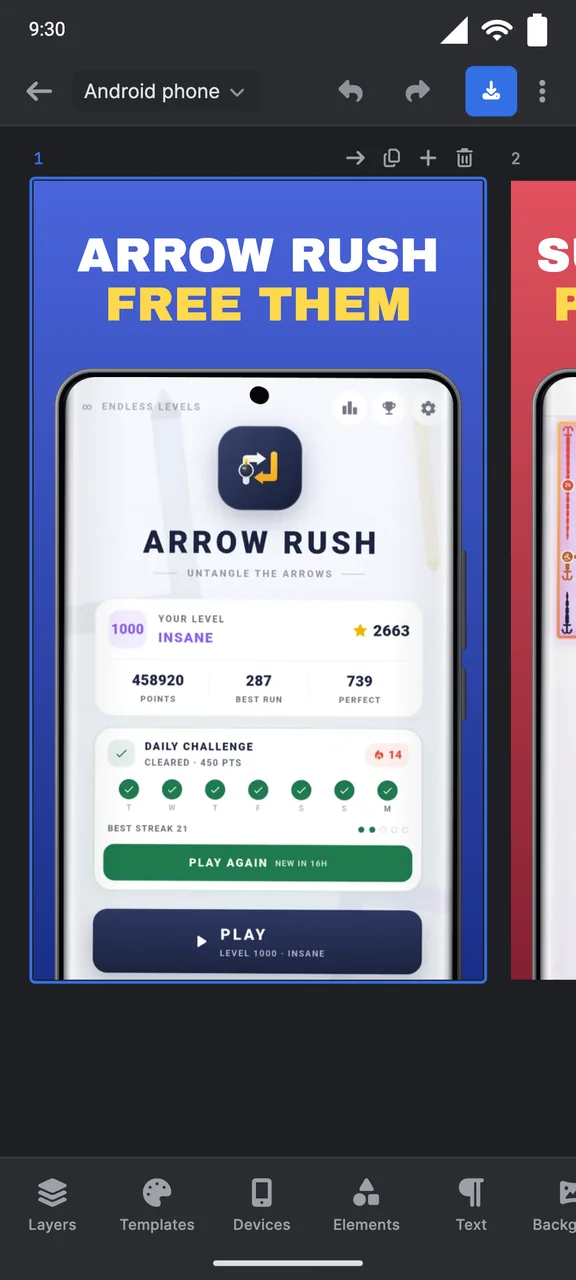
The canvasEvery screen of the set side by side, a swipe apart.
BackgroundsColours, gradients, patterns or a picture, on one screen or all of them.
Get MockMyApp
In your browser, on your desktop or on your phone
The same free editor wherever you use it, and the source code it is built from.
Web editor
Runs in a modern browser on Mac, Windows, Linux or ChromeOS. Nothing to install.
For Mac, Windows and Linux, from the project's releases on GitHub.
The Mac app isn't notarized yet: the first time, allow it in System Settings › Privacy & Security (on macOS 14 or earlier, right-click it and choose Open).
Yes. There is nothing to buy, no trial and no ads, and no account to make. Every device, template, store size and language is included, with no limit on projects or exports.
Is it open source?
Yes. The source code is on GitHub: read it, build MockMyApp yourself, or suggest a change.
Is there a phone app?
Yes, for Android 8 and later: download the APK from the project's releases on GitHub. MockMyApp isn't in Google Play, so the first time, Android asks you to allow the install.
Does it work offline?
Yes. Designing and exporting need no connection: the desktop app runs entirely on your computer, and the web editor uses the internet only to load its own files. Two things download once, the first time you need them: a typeface that isn't built in, from Google Fonts, and a language for on-device translation, from Apple or your browser's maker.
Do I need an account?
No. MockMyApp has no accounts at all, so there is no form to fill in and no password to remember. Open it and start designing.
Where do my images go?
Nowhere. The screenshots you add are processed on your device, and MockMyApp never uploads them. The desktop app saves your projects on your computer; the web editor keeps them in your browser's own storage, so they're still there when you come back. Clearing your browser's data for the site removes them, so use Back up project to keep a copy you can restore anywhere.
Which stores does it make screenshots for?
MockMyApp isn't in any store itself; it makes the artwork for them, with each one's accepted sizes built in: the App Store (iPhone from 6.9″ down, both iPhone Duo displays, iPad 13″, Apple Watch, Apple TV, Vision Pro, the header and search artwork, and In-App Event images), Google Play (phone, tablet, foldable, Chromebook, Android XR, the 1024 × 500 feature graphic and the 512 × 512 icon), Huawei AppGallery, the Galaxy Store's hero image, the Mac App Store, the Microsoft Store (Windows screenshots and hero art) and the Chrome Web Store (screenshots and promo tiles). Link previews and launch images for Open Graph, X, LinkedIn and Product Hunt are there too. Pick one and the canvas is set to the exact pixels. Apple's and Google's own rules, size by size, are in the 2026 screenshot size guide.
Can I use my own fonts?
Yes. Pick a typeface from Google Fonts in the font picker, or upload your own TTF or OTF file and it's available in every project.
Does it translate my headlines automatically?
On a Mac and in Chrome, yes: one tap translates every headline into the store languages you've added, up to 40, with the translator built into your Mac or browser, so your words are sent to no one. On Windows and Linux, you type the translations yourself. Either way, fine-tune any word by hand, and MockMyApp keeps the layout, colours and devices in step across every language.
Can it write my headlines?
It can suggest them. On a Mac with Apple Intelligence, or in Chrome with its built-in AI, MockMyApp suggests short, benefit-led headlines, worked out on your device. Elsewhere it offers built-in suggestions. Every word stays yours to edit. See how the on-device AI works.
Can I make videos?
Yes. Film any screen as a looping clip: the phone turns, orbits, reveals itself or floats. It exports as an MP4, or as a GIF where there is no video encoder to use.
Who owns the screenshots I make?
You do. Everything you import and everything you export stays yours, and none of it ever reaches us. See the Terms of Use.
Your next listing is a few minutes away
Pick a template, drop in your screenshots and export every size. Free, with no sign-up.